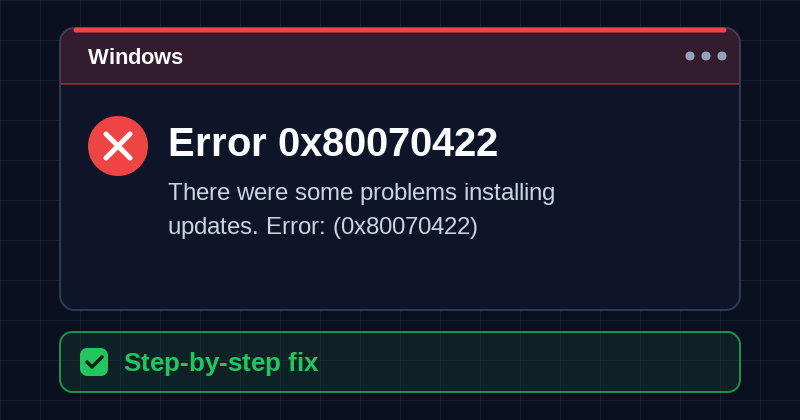
Error 0x80070422: turn on the 3 Windows Update services
Windows Update shows 0x80070422 when its service is disabled. Check the 3 services it needs (Windows Update, BITS and Cryptographic Services) in 1 minute, turn them on with services.msc or commands, and find out what switched them off so it doesn't happen again.
0x80070422 means the Windows Update service is disabled. Press Windows + R, type services.msc, open Windows Update, set the startup type to Manual and click Start. Do the same for Background Intelligent Transfer Service (BITS) and Cryptographic Services. Restart and check for updates again.
What happened
Windows Update isn't one program: it needs three services running together. If one is "Disabled", the update check stops dead and you get this code. It's almost never a fault: something (a program or a person) turned them off.

Check the 3 services
| Name in the list | Short name | Correct startup type |
|---|---|---|
| Windows Update | wuauserv | Manual (or Automatic, delayed start) |
| Background Intelligent Transfer Service | BITS | Manual |
| Cryptographic Services | CryptSvc | Automatic |
- Windows + R →
services.msc. - Double-click each service in the table. If it says Disabled, change the startup type to the one in the table, click Apply then Start.
- Restart the PC and go to Settings → Windows Update → Check for updates.
The quick way with commands
Open Terminal (Admin) or Command Prompt as administrator and paste, one at a time:
sc config wuauserv start= demandsc config bits start= demandsc config cryptsvc start= autonet start cryptsvc,net start bitsandnet start wuauserv
Note: there's a space after start=. If a net start says it's already running, great.

If it won't let you change the startup type
- If the drop-down is greyed out, a program or policy is locking the service. Look in Apps for things like "Windows Update Blocker", "StopUpdates10", "O&O ShutUp10" or "optimisers" and undo their changes from the program itself.
- On Windows Pro: Windows + R →
gpedit.msc→ Computer Configuration → Administrative Templates → Windows Components → Windows Update → set Configure Automatic Updates to "Not Configured". - If it's a work or school PC, the administrator may block it on purpose: ask them before changing anything.
The same code elsewhere
0x80070422 also shows up in the Microsoft Store and Windows Security for the same reason: a disabled service. For the Store, also check "Microsoft Store Install Service"; for Defender, "Microsoft Defender Antivirus Service" (it shouldn't be disabled unless you use another antivirus).
If Windows Update shows another code with the services on, see 0x80070002 or 0x80004005.
Frequently asked questions
Is it dangerous to leave Windows Update off?
Yes. You miss security patches and Defender updates. If restarts are what bother you, use "Pause updates" or "Active hours" instead of disabling the service.
Why does it get disabled again by itself?
Because a program turns it off at startup. Uninstall or revert "optimisers" and update blockers, then turn the services back on.
Manual or Automatic?
For Windows Update and BITS, Manual is normal: Windows starts them when needed. What matters is that they're not Disabled.
If the startup type is still locked, tell us which "cleaning" or "optimisation" programs you have via the contact page.
Still not fixed?
Email us at glitchfixesp@gmail.com with your device model, the exact error message and what you have already tried from this guide. We reply personally (in English or Spanish) and, if the issue keeps coming up, we add the new fix to the guide.