Error 0x80004005: pick where it shows up
0x80004005 is Windows' generic error: it literally means "unspecified error". So the fix depends on where it shows up: Windows Update, extracting a ZIP or RAR, a shared network folder, or copying and deleting files. One section per case.
0x80004005 literally means "unspecified error": Windows knows something failed but not what. Look at where you get it: in Windows Update, reset its components; when extracting a ZIP or RAR, use 7-Zip; in a network folder, check SMB and credentials; when copying or deleting, check permissions and the drive.
One code for many problems
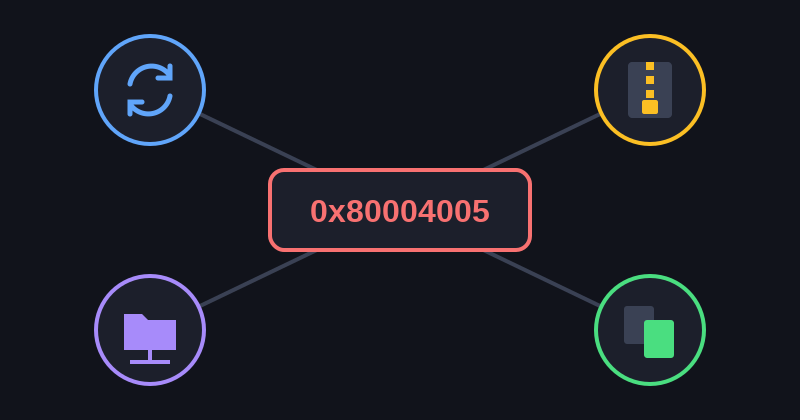
| Where you see it | Usual cause | Section |
|---|---|---|
| Settings → Windows Update | Damaged update cache or system files | Case 1 |
| Opening or extracting a ZIP, RAR or 7z | Windows' extractor doesn't support the file, or it's password-protected | Case 2 |
| Opening \\OTHER-PC or a NAS | SMB, credentials or network profile | Case 3 |
| Copying, moving, renaming or deleting | Permissions, file in use or drive errors | Case 4 |
Case 1: in Windows Update
- Settings → System → Troubleshoot → Other troubleshooters → Windows Update → Run.
- If that's not enough, reset its components. In Command Prompt as admin, one by one:
net stop wuauserv,net stop bits,ren C:\Windows\SoftwareDistribution SoftwareDistribution.old,net start bits,net start wuauserv. - Repair the system:
DISM /Online /Cleanup-Image /RestoreHealththensfc /scannow. Restart.
If Windows Update shows another code, also see 0x80070002.
Case 2: extracting a ZIP, RAR or 7z
- Windows' extractor fails with password-protected files and some formats. Install 7-Zip (free) and extract with right-click → 7-Zip → Extract Here.
- If the file is only partly downloaded, download it again: check the size matches the website.
- Extract to a short path such as
C:\temp: paths over 260 characters cause errors.
Case 3: in a shared network folder
- Set the network to Private: Settings → Network & internet → your connection → Network profile type.
- Turn on network discovery and sharing: Advanced sharing settings.
- Save the credentials: Credential Manager → Windows Credentials → Add, with the other PC's name, user and password.
- Very old NAS devices only speak SMB1, which Windows disables for security. Updating the NAS is better than enabling SMB1.
Case 4: copying, moving or deleting files
- File in use: close the program that has it open. If you don't know which, restart and try before opening anything.
- Permissions: right-click → Properties → Security. If your user lacks "Full control", use Advanced → Owner → Change.
- Drive errors: Command Prompt as admin →
chkdsk X: /f(replace X with the letter). If it's an external drive that disconnects, see external drive not recognised. - If the copy error is 0x80070570 ("file corrupted or unreadable"), it has its own guide: 0x80070570.
Frequently asked questions
Is 0x80004005 a virus?
No. It's a generic Windows code. Still, if it appears when opening lots of different files for no reason, run a full Microsoft Defender scan.
Is deleting SoftwareDistribution safe?
Renaming it is: Windows creates a new one and re-downloads updates. You only lose the history shown in Windows Update.
What if I get it in VirtualBox or another program?
Many programs reuse this code. Look at the message shown with it: that's what tells you what actually failed.
If you get it somewhere not in the table, tell us where via the contact page.
Still not fixed?
Email us at glitchfixesp@gmail.com with your device model, the exact error message and what you have already tried from this guide. We reply personally (in English or Spanish) and, if the issue keeps coming up, we add the new fix to the guide.