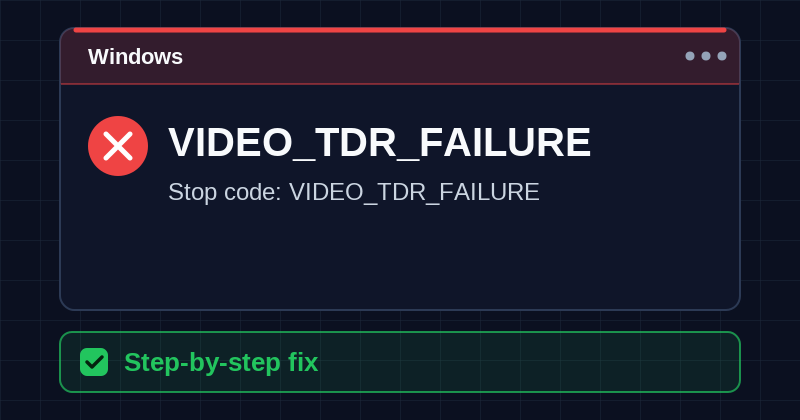
VIDEO_TDR_FAILURE: the GPU doesn't respond in time
Blue screen VIDEO_TDR_FAILURE with nvlddmkm.sys, atikmpag.sys or igdkmd64.sys? The GPU took too long to respond and Windows couldn't reset it. What to do depending on when it happens: in one game, in any game or even on the desktop.
Do a clean driver install with DDU, remove any GPU overclock (including factory ones in the brand's software) and turn off PCI Express power saving. If it happens in every game, check temperatures, the PSU and the GPU's power cables.
What exactly happens
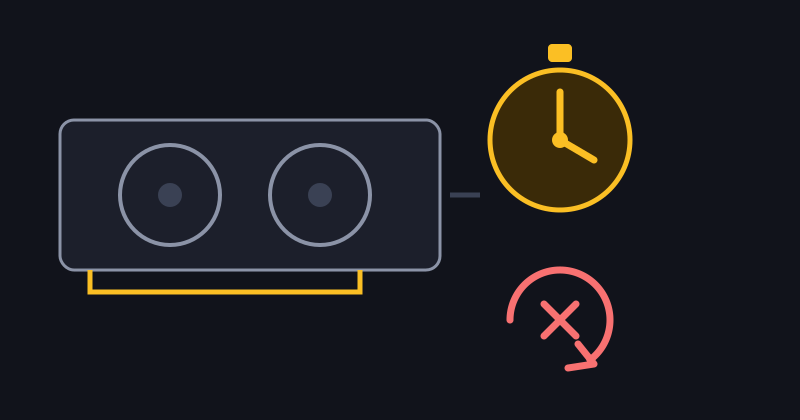
"TDR" stands for Timeout Detection and Recovery. The file on the blue screen tells you the brand: nvlddmkm.sys (NVIDIA), atikmpag.sys or amdkmdag.sys (AMD), igdkmd64.sys (Intel). If you see something else, check the general blue screen guide.
When does it happen?
| It happens… | Most likely | Start with |
|---|---|---|
| Only in one game or program | That game, its settings or version | "If it's one game" |
| In any demanding game | Driver, overclock, temperature or PSU | "If it happens in any game" |
| Even on the desktop or watching videos | Damaged driver, power saving or a failing GPU | "If it happens on the desktop" |
If it's one game
- Verify the game files from its store.
- Try another graphics API (DirectX 11/12 or Vulkan) if the game allows it.
- Disable overlays (Discord, Steam, recording) for that game only.
- Check for a recent patch: sometimes the bug is in the game and an update fixes it.
If it happens in any game
- Clean driver: download DDU and the latest driver, restart in safe mode, remove the driver with DDU and install the new one. If it started after an update, install the previous version.
- Remove the overclock: reset values in MSI Afterburner, AMD Adrenalin or the brand's software. If the card has a factory overclock, try lowering the core clock by 50-100 MHz.
- Temperature: with HWiNFO, the GPU shouldn't exceed 85 °C nor its Hot Spot 100-105 °C.
- Power: use one PSU cable per GPU connector (not one cable with two "tails"). Make sure they're fully seated. A marginal or old PSU causes TDRs on power spikes.
If it happens on the desktop
- PCI Express power saving: Control Panel → Power Options → Change plan settings → advanced → PCI Express → Link State Power Management → Off.
- Browser hardware acceleration: if it happens watching videos, try turning it off in Chrome, Edge or Discord.
- Test the GPU in another PC or another GPU in yours. If the fault follows the card, it may be damaged: if it's under warranty, request a repair.
Frequently asked questions
Does raising TdrDelay in the registry fix it?
It only hides the symptom by giving the GPU more time. It can help in an isolated case, but if the GPU is hanging, the real problem remains. Better to fix the cause.
Does it mean the GPU is broken?
Not necessarily. Most cases are driver, overclock or power. Only suspect the card if it fails the same way in another PC or after ruling out everything above.
It happens on a laptop. What do I do?
Install the GPU driver from the laptop maker's site or the official one with DDU, and use the performance power mode while plugged in.
If the blue screen continues, tell us your GPU, PSU and when it happens via the contact page.
Still not fixed?
Email us at glitchfixesp@gmail.com with your device model, the exact error message and what you have already tried from this guide. We reply personally (in English or Spanish) and, if the issue keeps coming up, we add the new fix to the guide.