Open-world games crashing to desktop: follow the clue
Cyberpunk 2077, Starfield, Hogwarts Legacy and other open worlds close by themselves with no message. How to read Event Viewer to see what failed, and the fix for each clue: page file, VRAM, overlays, drivers and PC stability.
If the game drops to desktop with no message, it's almost always memory: set the page file to "System managed size" on your SSD, lower textures and crowd density and close overlays. To find the exact cause, open Event Viewer and look for the "Application Error" at the time of the crash.
Why open worlds crash more than other games
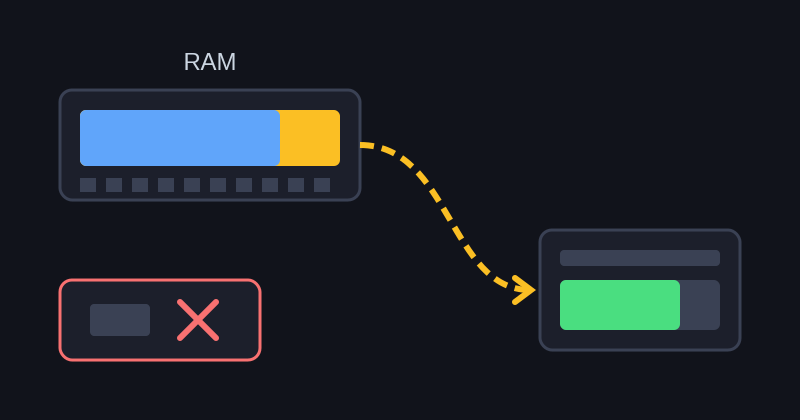
An open world has no loading screens: it streams streets, characters and textures as you move. When RAM fills up, Windows moves the overflow to the page file on disk. If that file is small or disabled, there's nowhere to put it and the game closes instantly, with no warning.
Step 1: read the clue in Event Viewer
- Right after the crash, right-click Start → Event Viewer.
- Go to Windows Logs → Application.
- Find an Error from "Application Error" (ID 1000) at the time of the crash. Look at the Faulting module name line.
| Module shown | Points to | Go to |
|---|---|---|
nvwgf2umx.dll, nvlddmkm, amdxx64.dll, atidxx64.dll | Graphics driver or full VRAM | Steps 3 and 5 |
KERNELBASE.dll or ntdll.dll | Out of memory or game files | Steps 2 and 4 |
ucrtbase.dll, MSVCP140.dll | Damaged Visual C++ | Reinstall Visual C++ |
| A DLL from Discord, RivaTuner, Overwolf, ReShade or a mod | That program hooks into the game | Step 4 |
| The game's own .exe | Game files or PC instability | Steps 4 and 6 |
Step 2: the page file
- Search "View advanced system settings" → Performance → Settings → Advanced → Virtual memory: Change.
- Tick Automatically manage paging file size.
- If you disabled it "for performance", turn it back on: with 16 GB of RAM or less, these games need it.
- Keep at least 20–30 GB free on that drive. If it's tight, see how to free up space on C:.
Step 3: lower what uses the most memory

- Texture quality: one notch down. It saves the most VRAM for the least visual loss.
- Crowd and traffic density: in Cyberpunk, "Crowd Density" on medium; in Starfield, "Crowd Density" on low.
- Ray tracing: turn it off to test. It uses a lot of extra VRAM.
- If you also get stutters, see low FPS and stutters.
Step 4: overlays, mods and files
- Disable the Discord, Steam, GeForce/NVIDIA App, Xbox Game Bar and MSI Afterburner/RivaTuner overlays.
- If you use mods (Vortex, Nexus, ReShade), disable them all to test. After a game patch, mods often break.
- Verify files in Steam, Epic, GOG or Battle.net.
Step 5: clean driver
Install your GPU's latest driver. If the crashes started right after updating, try the previous one. To leave nothing behind, run DDU in safe mode before installing.
Step 6: PC stability
- Remove overclocks on CPU and GPU, and the RAM's XMP/EXPO profile, to test. A setting that holds in other games can fail here.
- Temperatures: if the CPU goes above 90 °C or the GPU above 85 °C, see high temperatures.
- If you also see memory blue screens, test your RAM: MEMORY_MANAGEMENT.
Frequently asked questions
Why is there no error message?
When memory runs out or the driver fails, the game never gets to show anything: Windows closes it directly. That's why the clue is in Event Viewer.
Is 16 GB of RAM enough?
For most, yes, if the page file is enabled and you close the browser. With 8 GB you'll get frequent crashes in these games.
Does installing on an SSD help?
A lot. Many open worlds list an SSD as a requirement: on a hard drive they load so slowly that stutters and crashes follow.
If Event Viewer shows a module that isn't in the table, send us its name via the contact page.
Still not fixed?
Email us at glitchfixesp@gmail.com with your device model, the exact error message and what you have already tried from this guide. We reply personally (in English or Spanish) and, if the issue keeps coming up, we add the new fix to the guide.