PS5 error CE-100005-6: disc or digital game?
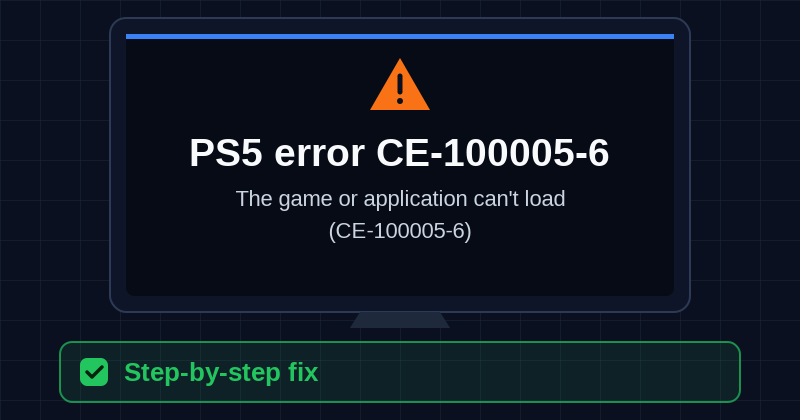
CE-100005-6 appears when a game or app won't load on PS5. The fix depends on whether the game is on disc or digital: clean and reinstall from the disc, or delete and download again. Plus what to do if every disc fails.
CE-100005-6 means the game won't load. Sony recommends deleting and reinstalling it. For a disc game, clean the disc first (from the centre outwards), delete the install and reinstall from the disc. For a digital game, delete it and download it again from your Library.
Pick your path
| Disc game | Digital game | |
|---|---|---|
| 1 | Take the disc out, check it against the light and clean it with a microfibre cloth, from the centre outwards. | Restart the PS5 (not rest mode) and update: Settings → System → System Software. |
| 2 | On the home screen, highlight the game → Options button → Delete. | Highlight the game → Options button → Delete. |
| 3 | Insert the disc again: the PS5 reinstalls it and downloads updates. | Go to Game Library → Your Collection and download it again. |
Saves stay on the console (and in the cloud with PS Plus), so deleting the game doesn't erase them.
If it's a disc game and still fails
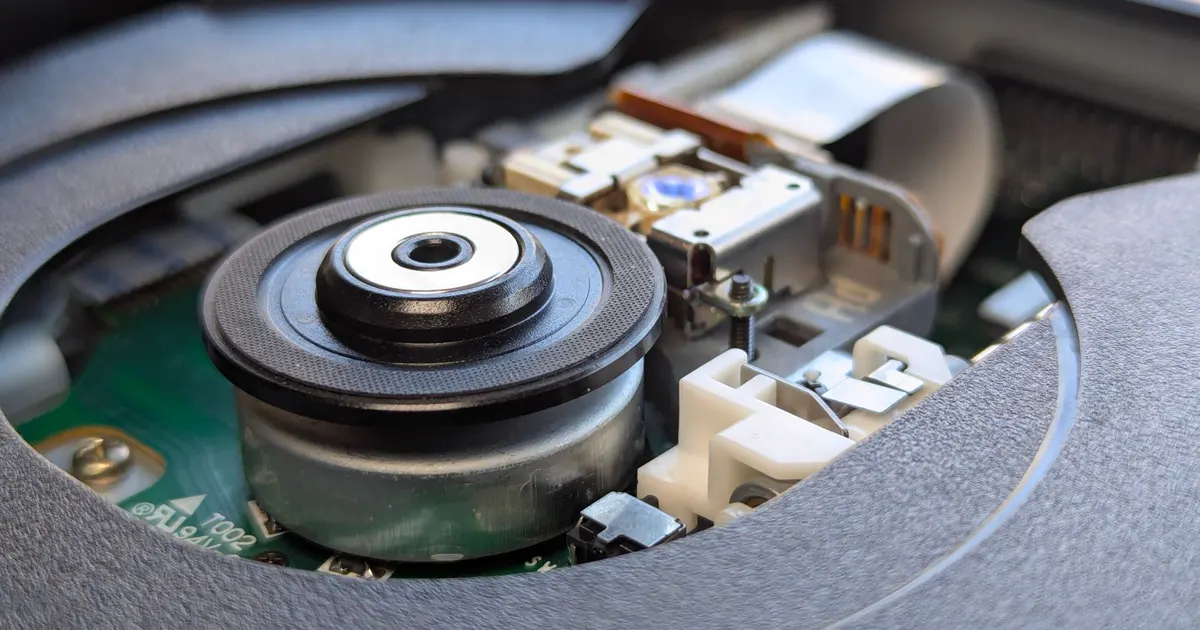
- Try another disc. If other disc games work, it's that disc: ask the shop or PlayStation for a replacement.
- If no disc works, the drive may be faulty. Digital games will keep working meanwhile.
- On a PS5 Digital with an add-on drive, unplug and reconnect the drive and make sure it's updated.
If it's digital and still fails
- Check space: Settings → Storage. Keep at least twice the update's size free.
- If the game is on an added M.2 SSD or a USB drive, move it to internal storage and test (Settings → Storage → Move).
- Rebuild the database: with the PS5 off, hold the power button until the second beep, connect the controller by USB and choose Clear Cache and Rebuild Database → Rebuild Database.
If instead of not loading the game opens and then closes, that's a different error: CE-108262-9. If it happens when starting almost any game, also see CE-108255-1.
Frequently asked questions
Do I lose my saves when I delete the game?
No. Deleting the game removes the install, not your save data.
Do I have to pay for the digital game again?
No. It's in your Library and downloads free with the same account.
Can a PS4 disc on PS5 cause this?
Yes. If a PS4 disc won't load on PS5, follow the same steps and check the game is PS5-compatible.
If it only happens with one game and these steps don't help, tell us which one via the contact page.
Still not fixed?
Email us at glitchfixesp@gmail.com with your device model, the exact error message and what you have already tried from this guide. We reply personally (in English or Spanish) and, if the issue keeps coming up, we add the new fix to the guide.