PS5 error CE-108255-1: why the game closes and how to fix it
Getting CE-108255-1 and the game suddenly closes? The key is whether it happens in one game, several or all. Update, rebuild the database, the M.2 SSD, heat and when to reset the PS5.
CE-108255-1 means the application closed because of an error. If it only happens with one game, update it and, if it continues, reinstall it. If it happens with several, check heat and whether you use an added M.2 SSD. If it happens with everything, go into Safe Mode and rebuild the database, which deletes nothing.
How many games does it affect?
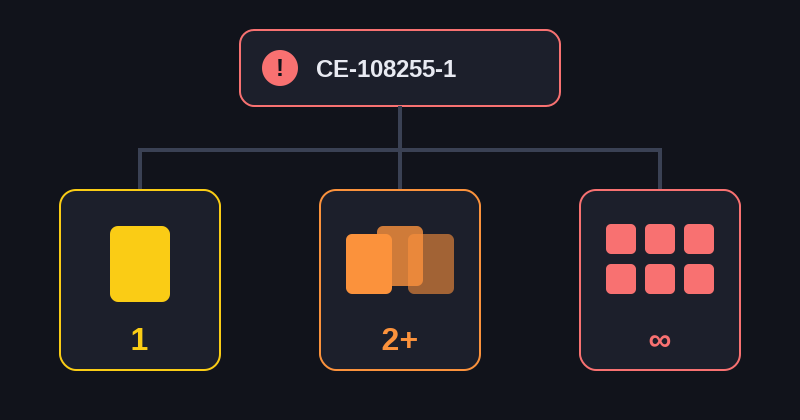
This error is generic: it only says something closed. What tells you the cause is how many games it happens in:
| When it happens | What it usually is | Go to |
|---|---|---|
| Only in one game, sometimes in the same spot | A bug in that game or damaged files | "If it's a single game" |
| In several games, especially the most demanding | Heat or an added M.2 SSD | "If it's several games" |
| In everything: games, apps and menus | Damaged system database | "If it happens with everything" |
| Right after a game update | Buggy patch | Wait for the next patch and send the error report |
If it's a single game
- Update the game: on its icon, press Options → Check for Update. Many crashes are fixed by the latest patch.
- Update the console: in Settings → System → System Software → System Software Update.
- Try without demanding graphics modes: if the game has performance, fidelity or ray tracing modes, switch mode to see if it stops closing.
- Reinstall the game: on its icon, Options → Delete. Turn the console off completely, unplug it for 1 minute and install it again. Saves aren't deleted: they're stored separately.
If it's several games
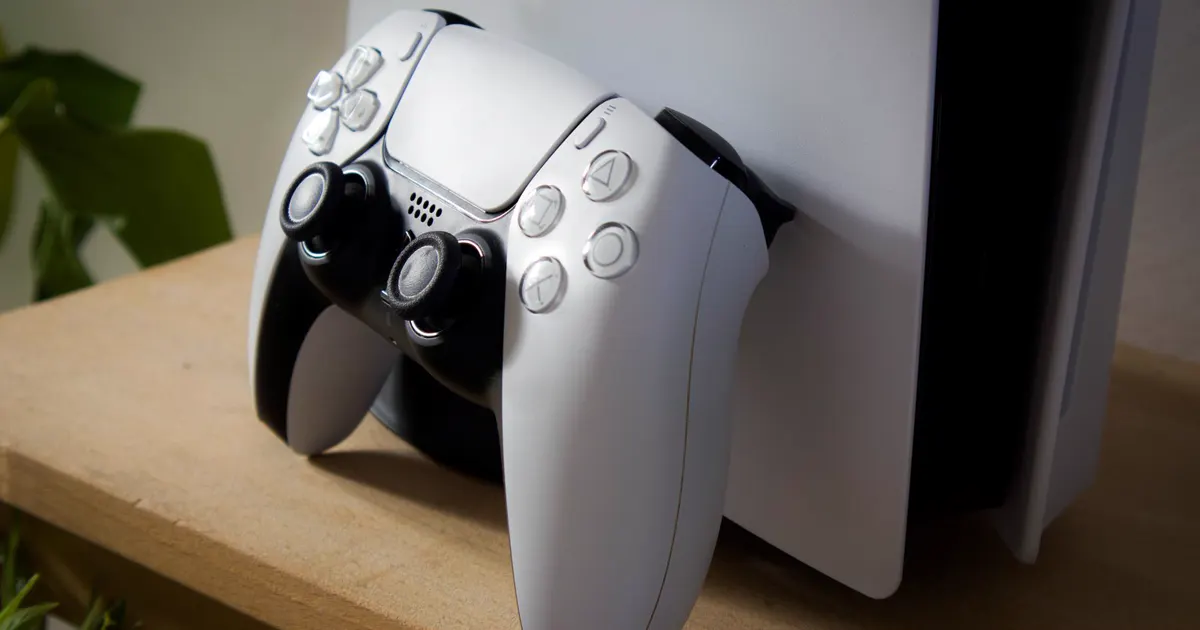
- Heat: leave at least 10 cm free at the sides and back, no closed cabinet. Remove the side covers and vacuum the two dust catchers next to the fan.
- Added M.2 SSD: if you installed an extra SSD, check it has a heatsink and meets Sony's recommended speed (5,500 MB/s or more). To rule it out, move the game to internal storage: on its icon, Options → Move.
- External USB drive: PS5 games can't be played from a USB drive, only stored. If you move games often, a file can get damaged: reinstall them on internal storage.
If it happens with everything
If games, apps and even menus close, the storage index is out of order. Safe Mode fixes it without deleting anything:
- Turn the PS5 off completely (not rest mode).
- Hold the power button until you hear the second beep (about 7 seconds).
- Connect the controller with a cable and press the PS button.
- Choose Clear Cache and Rebuild Database → Clear System Software Cache. Restart and test.
- If it's still the same, repeat and choose Rebuild Database. It can take a while if you have many games.
Only if none of this works, do Reset PS5. It deletes everything, so first upload your saves to PlayStation Plus cloud storage or copy them to a USB drive in Settings → Saved Data and Game/App Settings.
Send the error report
When the error appears, the PS5 offers to send a report to Sony. Send it: studios see where the game closes and fix it in later patches. You can keep it always on in Settings → System → System Software.
Frequently asked questions
Does rebuilding the database delete my saves?
No. It only reorganises the storage index. It doesn't delete games, saves or captures.
What if it happens on PS4?
The code means the same. The steps are similar: update, reinstall the game and, in Safe Mode, "Rebuild Database".
Could it be the drive?
If the error appears even in menus and isn't fixed by rebuilding or resetting, the storage may be failing. Under warranty, contact PlayStation support.
If it always closes in the same game at the same point, tell us which one via the contact page.
Still not fixed?
Email us at glitchfixesp@gmail.com with your device model, the exact error message and what you have already tried from this guide. We reply personally (in English or Spanish) and, if the issue keeps coming up, we add the new fix to the guide.