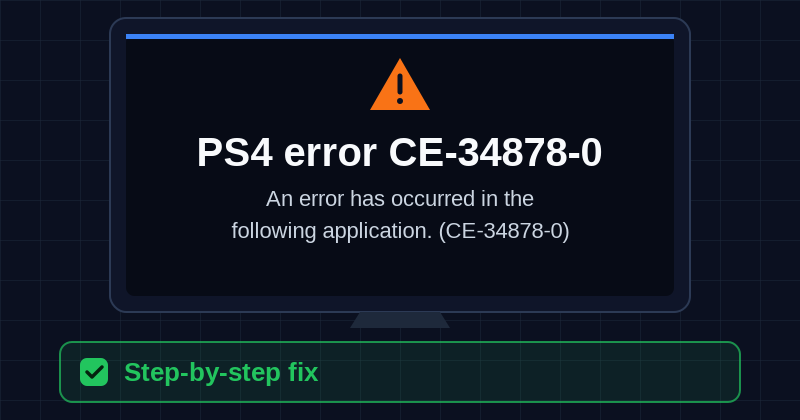
PS4 error CE-34878-0: is it heat?
CE-34878-0 appears when a game freezes and the PS4 closes it. On older consoles, heat is a very common cause: loud fan, dust and poor airflow. How to tell if it's heat, how to clean without opening the console, and the software fixes if it isn't.
CE-34878-0 means the game froze and the PS4 closed it. If the fan is very loud and crashes come after a while of playing, the cause is usually heat: take the console out of the cabinet and clear the dust from the vents. If not, update the system and game, reinstall it and rebuild the database from Safe Mode.
Is it heat? 4 signs
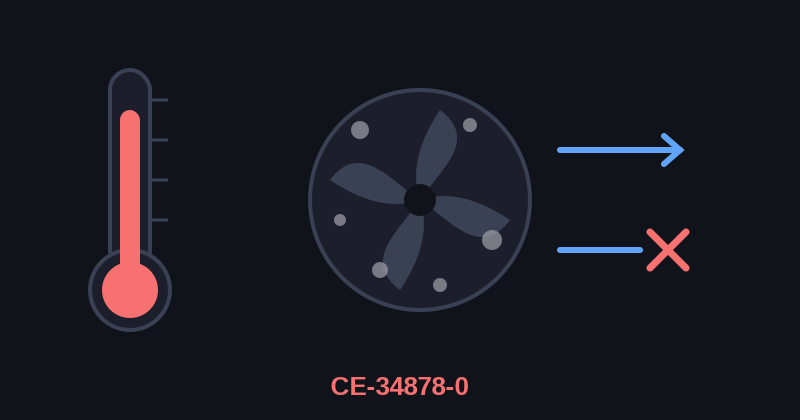
| Sign | Points to heat if… |
|---|---|
| Fan noise | It sounds "like a jet" within 10 minutes of play |
| When it closes | After playing a while, not at launch |
| Which games | Demanding ones, not simple ones |
| Where the console sits | In a cabinet, on a carpet or against the wall |
If it's heat
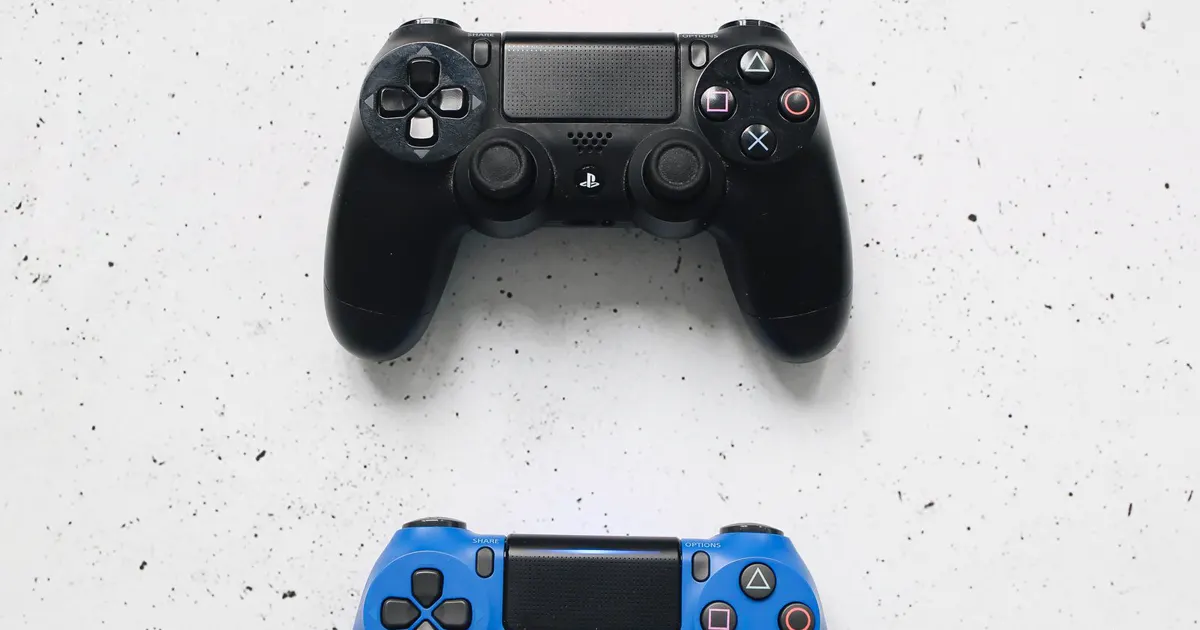
- Give it air: take it out of the closed cabinet and place it on a hard surface with about 10 cm clear around it.
- Clean the vents with the console off and unplugged: vacuum the slots or use compressed air in short bursts.
- Try it vertical or horizontal: what matters is the vents aren't covered.
- If it's still very loud after cleaning, it may need an internal clean and fresh thermal paste. Use a repair shop if you're not experienced: opening it wrongly can break it.
If it isn't heat
- Fully close the game (hold the PS button → Close Application) and restart the PS4.
- Update: Settings → System Software Update; and on the game, OPTIONS → Check for Update.
- Reinstall: on the game, OPTIONS → Delete, then install it again.
- Rebuild the database: turn off, hold the power button until the second beep, connect the controller by USB and choose 5. Rebuild Database.
If you replaced the internal hard drive
A slow or poorly seated replacement drive can cause crashes. Check it's secure in its tray and, if it's an old mechanical drive, consider a SATA SSD: the PS4 accepts it and usually runs smoother.
If the console also turns itself off or can't read discs, see CE-30005-8. If it's corrupted game data, CE-30002-5.
Frequently asked questions
Is it dangerous for the PS4 to get hot?
The console protects itself by shutting down or closing games, but always running hot shortens its life. It's worth giving it air and cleaning it.
Do external fans or cooling stands help?
A little, but less than clearing dust and leaving space. Do the basics first.
Do I lose saves when I reinstall?
No. Saves are stored separately from the game.
If your PS4 runs hot even when clean and well spaced, tell us which model via the contact page.
Still not fixed?
Email us at glitchfixesp@gmail.com with your device model, the exact error message and what you have already tried from this guide. We reply personally (in English or Spanish) and, if the issue keeps coming up, we add the new fix to the guide.