PS4 error CE-30002-5: internal or external USB drive?
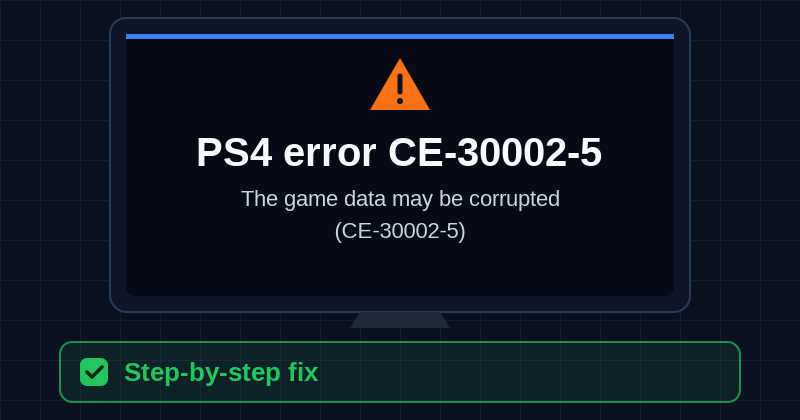
CE-30002-5 means a PS4 game's or app's data may be corrupted. If the game is on an external USB drive, the cause is often there (cable, port, format). How to check, move the game, update from Safe Mode and reinstall.
CE-30002-5 means a game's data may be corrupted. First check where it's installed: on an external USB drive, swap the cable and port, or move it to internal storage. If it's internal, boot into Safe Mode → 3. Update System Software and, if it continues, delete and reinstall the game.
Where is the game?
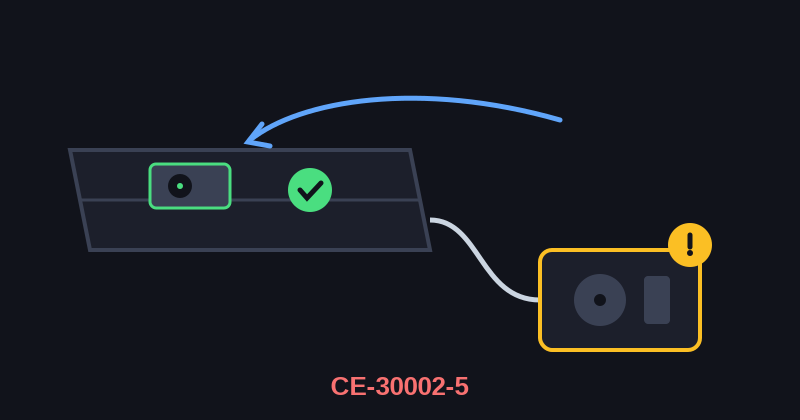
To find out: Settings → Storage. If there are two (System Storage and Extended Storage), open each → Applications and look for the game.
If it's on an external USB drive
| Check | What to do |
|---|---|
| The cable | Use the drive's original cable, no extensions or hubs. Try another cable. |
| The port | Plug it into another PS4 USB port (the Pro has one at the back). |
| Disconnections | If the PS4 says the storage was disconnected, it's the cable or the drive. |
| Move it internally | Settings → Storage → Extended Storage → Applications → Options → Move to System Storage. If it works there, the external drive is the problem. |
| The drive itself | If several games fail, back up what matters and format it on the PS4 as extended storage (erases it). |
If it's on internal storage
- Update from Safe Mode: turn off the PS4, hold the power button until the second beep, connect the controller by USB and choose 3. Update System Software.
- Reinstall the game: on the home screen, highlight the game → OPTIONS button → Delete. Reinstall from the disc or your Library.
- Rebuild the database: Safe Mode → 5. Rebuild Database.
If the error appears when reading a game disc (not opening an installed game), see CE-30005-8. If the game starts and then closes, CE-34878-0.
Frequently asked questions
Do I lose saves when I delete the game?
No. Saves are stored separately. For peace of mind, upload them to the cloud with PS Plus or copy them to a USB drive first.
Which external drive works with PS4?
A USB 3.0 drive between 250 GB and 8 TB. The PS4 formats it as extended storage and erases what's on it.
Can I play PS4 games from the external drive?
Yes, on PS4 you can play directly from extended storage. That's why, if the drive fails, the game fails too.
If every game on the external drive shows the error, tell us its model via the contact page.
Still not fixed?
Email us at glitchfixesp@gmail.com with your device model, the exact error message and what you have already tried from this guide. We reply personally (in English or Spanish) and, if the issue keeps coming up, we add the new fix to the guide.