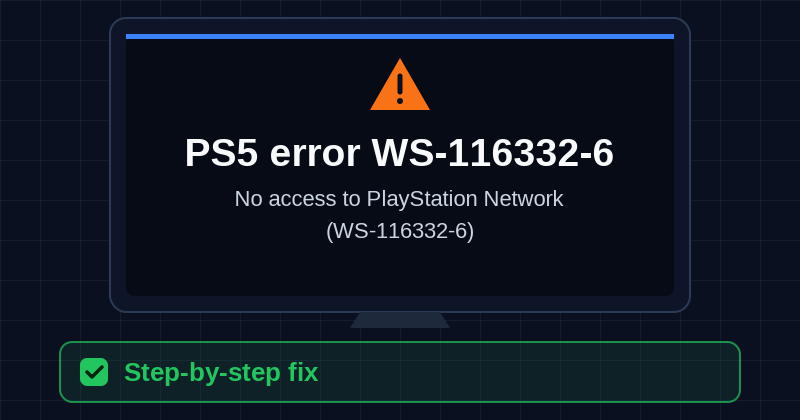
PS5 error WS-116332-6: server outage or ban
WS-116332-6 means the PS5 can't access PlayStation services. It can be a temporary server outage or a block for breaching the terms of service. How to tell which is your case, what to do in each, and what happens if you bought the console second-hand.
WS-116332-6 means your PS5 can't get into PlayStation services. First check PlayStation Network status: if there's an incident, wait a few hours. If everything's green, restart console and router. If it keeps appearing for days and only for you, it may be an account or console ban: check your email and contact PlayStation support.
Two very different causes
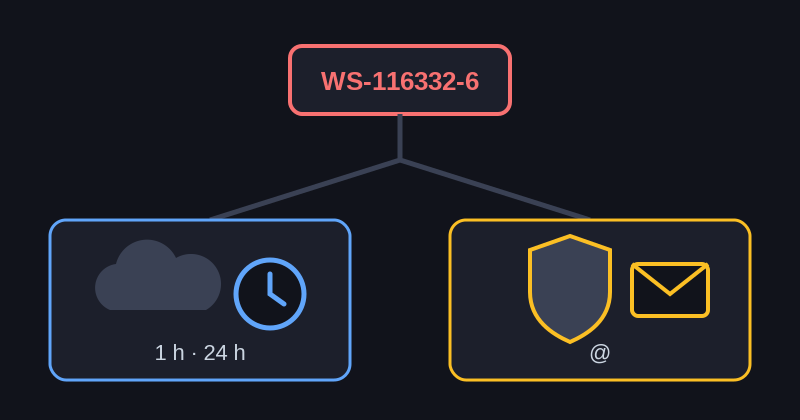
| Clue | Server outage | Ban |
|---|---|---|
| Does it happen to others? | Yes, lots of people at once | Only you |
| How long does it last? | Minutes or hours | Days or weeks |
| PSN status? | Shows an incident | All green |
| Email from Sony? | No | Often, about a suspension |
| Another account on the same console? | Doesn't work either | Account ban: the other works; console ban: it doesn't |
If it's an outage

- Check the PlayStation Network status page (status.playstation.com) and the game's own status if it's online.
- Wait a while: outages usually clear within hours.
- Restart the console and router. If the console's internet fails for other things too, see PS5 won't connect.
If it looks like a ban
- Search your email (including spam) for messages from Sony about a suspension or a terms-of-service breach.
- Try signing in with another account on the same console: that tells you whether the ban is on the account or the console.
- Contact official PlayStation support through its website. Don't use sites or "tools" that promise to lift bans: they're scams and can steal your account.
If you bought the PS5 second-hand
If the console arrived already banned (for example, because a previous owner cheated or charged back a payment), you'll see the error with any account. Contact the seller and PlayStation support with the serial number handy. Before buying a used console, ask the seller to sign in to PSN in front of you.
Frequently asked questions
Do I lose my games if my account is banned?
While the suspension lasts you can't use online features. What happens to purchases depends on the type of penalty; PlayStation support can give you the official answer.
Can I play offline meanwhile?
In many games, yes, if the PS5 is your primary console and the games are installed. Games that need a connection won't work.
Does changing DNS fix it?
No. WS-116332-6 isn't a problem with your network but with access to PlayStation services.
If the error lasts more than a day and you have no email from Sony, tell us about it via the contact page.
Still not fixed?
Email us at glitchfixesp@gmail.com with your device model, the exact error message and what you have already tried from this guide. We reply personally (in English or Spanish) and, if the issue keeps coming up, we add the new fix to the guide.