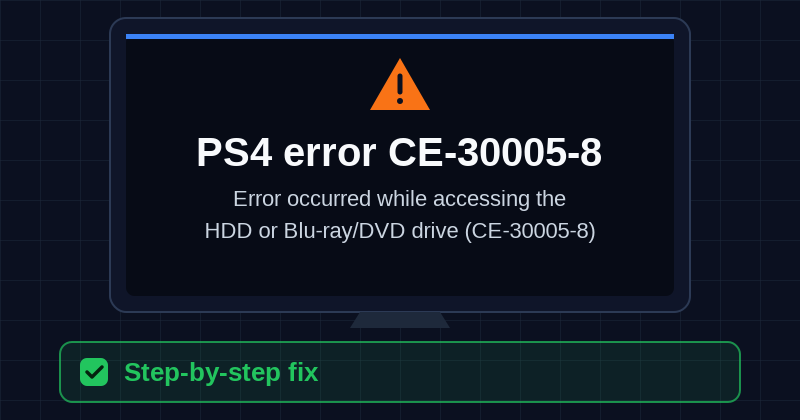
PS4 error CE-30005-8: game disc or hard drive
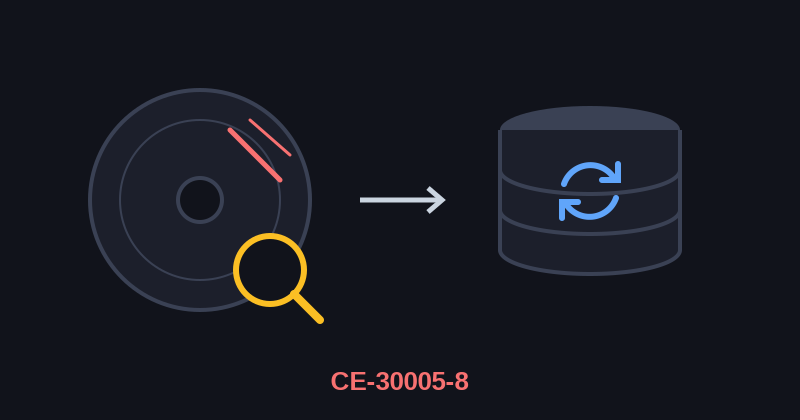
CE-30005-8 means the PS4 couldn't read the hard drive or the disc drive properly. How to tell which one is failing from when it appears, how to clean the game disc, rebuild the database from Safe Mode and when it's a hardware fault.
CE-30005-8 means an error reading the PS4's hard drive or disc drive. If it appears with a disc game, take it out, clean it and try another disc. If it appears with downloaded games, enter Safe Mode (hold the power button until the second beep) and choose 5. Rebuild Database.
Which one is failing? Look at when it appears
| When it appears | What's failing | Start with |
|---|---|---|
| When inserting a disc or installing from disc | The game disc or the drive | Step 1 |
| Only with one particular disc | That disc | Step 1 |
| With downloaded games or when updating | The hard drive or its database | Steps 2 and 3 |
| With everything, more and more often | Possible hardware fault | Step 4 |
Step 1: the game disc
- Take the disc out and look at the shiny side against the light: fingerprints, dust or scratches.
- Clean it with a microfibre cloth in straight lines from the centre outwards (never in circles).
- Try another disc. If others work, it's that disc; if none work, it may be the drive.
Step 2: full power-off
Turn the PS4 off from the menu (not rest mode), wait for the light to go out and unplug it for 1 minute. This clears temporary memory and is sometimes enough.
Step 3: rebuild the database
- With the PS4 off, hold the power button until you hear two beeps (about 7 seconds).
- Connect the controller with the USB cable and press the PS button.
- Choose 5. Rebuild Database. It can take from minutes to an hour; don't turn the console off.
It doesn't delete games or saves: it reorganises the hard drive's index. The same option helps with other read errors, such as CE-108255-1 on PS5.
Step 4: if it appears with everything
- Update the system: Settings → System Software Update.
- If you replaced the hard drive, check it's seated properly in its tray.
- Back up your saves (PS Plus cloud or a USB drive) before anything else.
- If the error keeps appearing with everything, the hard drive or disc drive may be faulty: contact PlayStation support or a repair shop.
The "Initialize PS4" option in Safe Mode erases everything. Only use it with your saves backed up and if support tells you to.
Frequently asked questions
Does rebuilding the database delete my games?
No. It only reorganises the hard drive's information. Games, saves and captures stay.
Can I replace the PS4 hard drive myself?
Yes, Sony allows it. You'll need to reinstall the system from a USB drive. Back up your saves first.
Does this error appear on PS5 too?
CE-30005-8 is a PS4 code. On PS5, read failures usually show other CE codes.
If it appears with one game that works on other consoles, tell us via the contact page.
Still not fixed?
Email us at glitchfixesp@gmail.com with your device model, the exact error message and what you have already tried from this guide. We reply personally (in English or Spanish) and, if the issue keeps coming up, we add the new fix to the guide.