WHEA_UNCORRECTABLE_ERROR: Event Viewer tells you which part fails
Blue screen WHEA_UNCORRECTABLE_ERROR? It's a hardware error, and Event Viewer tells you which part reported it: CPU, memory or PCI Express. What to do for each component: overclock, undervolt, XMP, BIOS, temperature and PSU.
Open Event Viewer and look for WHEA-Logger errors: they say which component failed. In most cases the fix is to remove overclock, undervolt and XMP/EXPO (load defaults in the BIOS) and update the BIOS. If it persists, check temperatures and the PSU.
What it is
WHEA is the part of Windows that receives hardware error reports. If a component reports an error that can't be corrected, Windows stops so data isn't corrupted. It's not a program bug: some hardware or its settings isn't working within its limits.
See which component reported it
- Right-click Start → Event Viewer → Windows Logs → System.
- On the right, Filter Current Log → under Event sources tick WHEA-Logger.
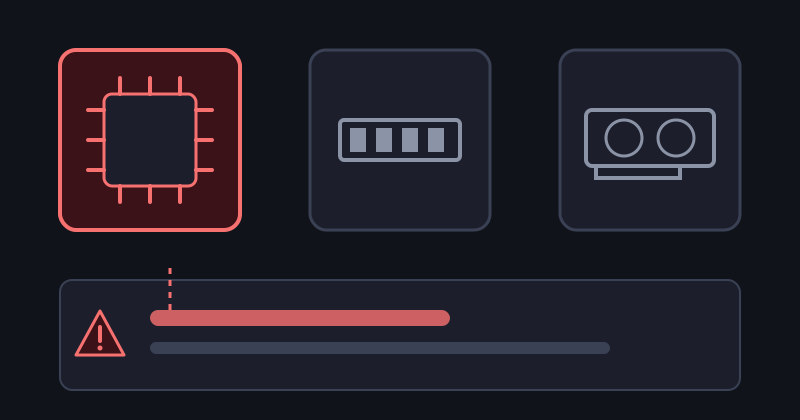
- Open the errors and read the Component field or text: "Processor Core", "Cache Hierarchy", "Memory", "PCI Express Root Port"…
| Component | Typical causes | What to do |
|---|---|---|
| Processor Core / Cache Hierarchy | Too aggressive overclock, undervolt or Curve Optimizer; old BIOS; degraded CPU | BIOS defaults, update BIOS, check CPU temperature |
| Memory / Bus Interconnect | Unstable XMP/EXPO, faulty stick | Disable XMP, test RAM with MemTest86 |
| PCI Express Root Port / Device | GPU or NVMe SSD, riser cable, slot | Reseat GPU and SSD, update SSD firmware, set PCIe to "Gen 3" in the BIOS to test |
Step by step, most likely first
- BIOS defaults: Load Optimized Defaults. This removes overclock, undervolt, Curve Optimizer, aggressive PBO and XMP in one go. Use the PC for a few days.
- Update the BIOS from the motherboard maker's site. On Intel 13th and 14th gen CPUs this matters: Intel released microcode that fixes voltages causing this error.
- Chipset driver from AMD or Intel.
- Temperatures with HWiNFO: the CPU shouldn't sit at its limit (95-100 °C) for long under load.
- Power supply: an old or marginal PSU delivers unstable voltages under load. Test with another if you can.
- If it persists with everything at factory, the BIOS updated, and it points at the CPU, the CPU may be degraded: claim the warranty.
For other codes, see the general blue screen guide.
Frequently asked questions
I've never overclocked. Could that be it?
Yes. Many boards enable aggressive "auto" settings by default (MCE, PBO, unlimited power limits) and XMP. Loading defaults and updating the BIOS fixes many cases.
Could it be software?
Very rarely. A very buggy driver could trigger it, but if the log points at the CPU or memory, the source is hardware or its settings.
Is my CPU broken?
Only if the error continues with everything at factory, the BIOS updated, good temperatures and a different PSU. Before that, it's almost always a setting.
If you don't understand what WHEA-Logger says, paste us the error text via the contact page.
Still not fixed?
Email us at glitchfixesp@gmail.com with your device model, the exact error message and what you have already tried from this guide. We reply personally (in English or Spanish) and, if the issue keeps coming up, we add the new fix to the guide.