PS5 error CE-107857-8: the fix ladder
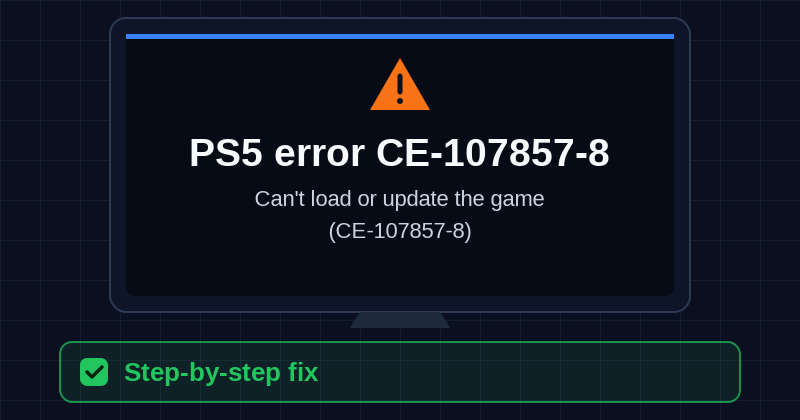
CE-107857-8 appears when the PS5 has a problem loading or updating a game or app. Four fixes ordered by how long they take and what they erase: restart, update, reinstall and rebuild the database. Plus what to do if nothing fixes it.
CE-107857-8 means the PS5 hit an error loading or updating a game or app. Climb these steps in order and stop when it's fixed: 1) full power-off, 2) update system and game, 3) delete and reinstall the game, 4) rebuild the database from Safe Mode.
The ladder: each step costs a bit more
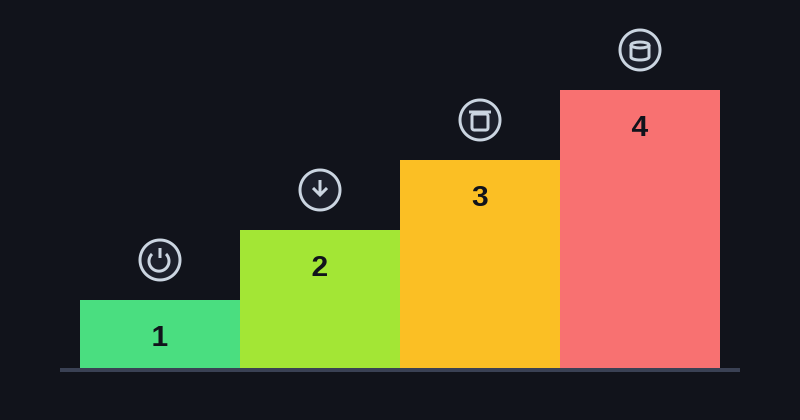
| Step | Time | What it erases |
|---|---|---|
| 1. Full power-off | 2 minutes | Nothing |
| 2. Update system and game | 5–20 minutes | Nothing |
| 3. Delete and reinstall the game | As long as the download | The install (not saves) |
| 4. Rebuild the database | Minutes to an hour | Nothing (reorganises storage) |
Step 1: full power-off
Control centre → Power → Turn Off PS5 (not "Rest Mode"). Wait for the light to go out, unplug for 1 minute and power on.
Step 2: update system and game

- Settings → System → System Software → System Software Update and Settings → Update.
- Home screen → highlight the game → Options button → Check for Update.
- Check the downloads list (Control centre → Downloads): if any shows an error, delete it and check for the update again.
Step 3: delete and reinstall
- Settings → Storage → Console Storage → Games and Apps.
- Select the game and choose Delete.
- Reinstall from your Library or by inserting the disc.
Step 4: rebuild the database
- With the PS5 off, hold the power button until the second beep (about 7 seconds).
- Connect the controller with a USB cable and press the PS button.
- Choose Clear Cache and Rebuild Database → Rebuild Database.
If nothing works
- If the error appears with every game, back up your saves (PS Plus or USB) and contact PlayStation support.
- If it's only one game, it may be a bug in that game: wait for the next patch.
- If the update gets stuck, see CE-107938-8; if the game closes by itself, CE-108262-9.
Frequently asked questions
Do any of these steps delete my saves?
No. None of the four steps deletes save data. Only "Reset PS5" would erase everything, and this error doesn't need it.
How long does rebuilding the database take?
It depends on how many games you have: from a few minutes to an hour. Don't turn the console off meanwhile.
Is it a hardware fault?
Hardly ever. It's usually a half-finished install or update. Only if it fails with everything after all four steps should you think about hardware.
If you reach step 4 and the error remains, tell us which game via the contact page.
Still not fixed?
Email us at glitchfixesp@gmail.com with your device model, the exact error message and what you have already tried from this guide. We reply personally (in English or Spanish) and, if the issue keeps coming up, we add the new fix to the guide.