GTA 6 not working: the fix for each message
Is GTA 6 showing a padlock, error CE-108255-1, a stuck download or "services busy"? A table by message with the fix for PS5 and Xbox Series side by side: licences, updates, space (over 200 GB) and server status.
Padlock or "can't start": restore licences on PS5 or make the console your Home Xbox. CE-108255-1: update the system and the game. Stuck download: GTA 6 needs over 200 GB free. "Services busy": check PlayStation, Xbox and Rockstar status; if there's an incident, all you can do is wait.
Find your message
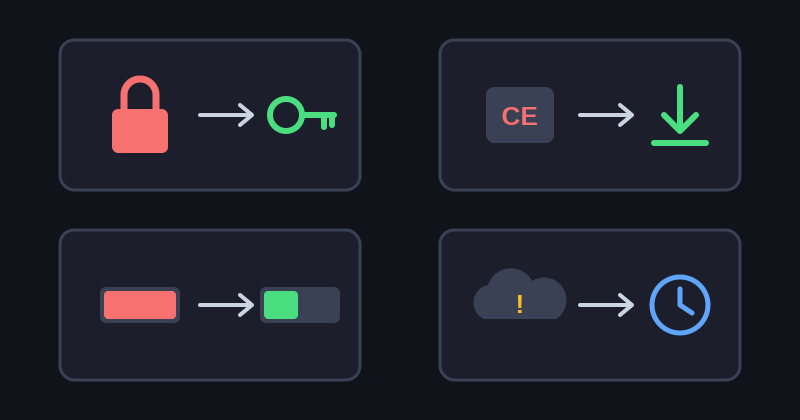
| What you see | Cause | On PS5 | On Xbox Series |
|---|---|---|---|
| Padlock on the icon or "you don't have permission to play" | The licence didn't sync | Settings → Users and Accounts → Other → Restore Licenses | Settings → General → Personalisation → My home Xbox → Make this my home Xbox |
| Error CE-108255-1 on launch | A system or game update is missing | Settings → System → System Software → Update; then Options on the game → Check for Update | Settings → System → Updates; My games & apps → Manage → Updates |
| Stuck download or CE-100028-1 | Not enough space | Settings → Storage | Settings → System → Storage devices |
| "Services busy" or can't connect | Overloaded servers | Check official status (below) and wait | |
After any fix, restart the console before trying again.
If you see the padlock

- Launch the game with the same account you bought it with.
- If you bought the physical edition with a code, check you redeemed it on that account. PS5 codes don't work on Xbox and vice versa.
- On PS5, if you play on another user profile, enable Console Sharing and Offline Play on the account that bought the game.
If you get CE-108255-1
Sony describes it as a general application error. With GTA 6 it usually appears when a last-minute update is missing. If it persists after updating, there are more steps (such as rebuilding the database from safe mode) in the CE-108255-1 error guide.
If the download won't move
- Free over 200 GB: the exact figure varies by console and patches.
- Delete games you don't play and old videos or captures. Saves aren't deleted when you uninstall.
- Plenty of space but still stuck: in Downloads, pause GTA 6, wait a few seconds and resume.
- If the download is very slow, use a cable or see PS5 connection problems.
If your console often runs short, an M.2 SSD in the PS5 or an expansion card in Xbox fixes it for good.
If it says "services busy"
Before changing anything, check official status:
- PlayStation: status.playstation.com
- Xbox: Xbox status
- Rockstar: Rockstar service status
If everything is green and you can't connect, restart the router and console. If online play with friends fails, check your strict NAT.
In the first weeks after such a big launch, crashes and odd bugs in some missions are normal. Save often and keep the game updated: Rockstar usually patches quickly.
Frequently asked questions
Is GTA 6 on PC?
No. For now it's only out on PS5 and Xbox Series X|S. Any "PC download" is fake and may carry malware.
Does restoring licences delete my saves?
No. It only re-checks which games you own.
Does it work on PS4 or Xbox One?
No. It's only available on PS5 and Xbox Series X|S.
If you get a different code with GTA 6, send us the exact code via the contact page.
Still not fixed?
Email us at glitchfixesp@gmail.com with your device model, the exact error message and what you have already tried from this guide. We reply personally (in English or Spanish) and, if the issue keeps coming up, we add the new fix to the guide.