Unidentified network over cable: diagnose it with your IP address
PC on a cable says "Unidentified network" or "No internet access"? Check your IP with ipconfig: if it starts with 169.254, the router isn't giving you an address. Physical tests, IP renewal, static IP, adapter driver and power settings.
Open CMD and type ipconfig. If your IPv4 starts with 169.254, the router isn't giving you an address: try another cable and router port, restart the router and run ipconfig /release and ipconfig /renew. If nothing changes, reinstall the Ethernet adapter driver or set a static IP to test.
Check your IP first
- Press Win + R, type
cmdand press Enter. - Type
ipconfigand find your Ethernet adapter → IPv4 Address.
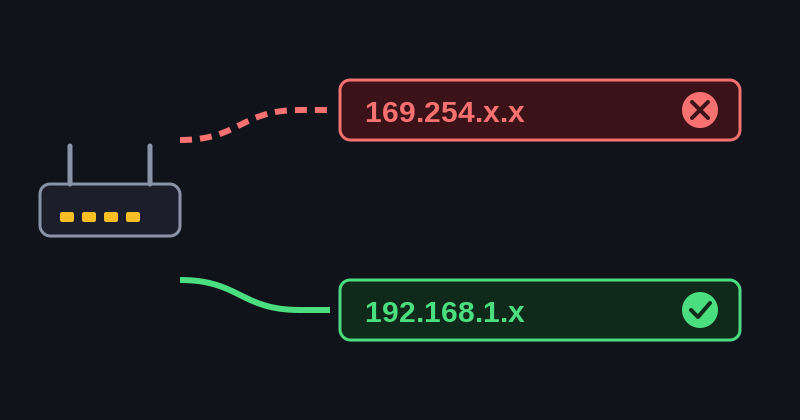
| What you see | What's happening | Go to |
|---|---|---|
| IPv4 starts with 169.254 | The router isn't giving the PC an IP (cable, port, router or adapter) | "If you have 169.254" |
| Normal IPv4 (192.168.x.x or 10.x.x.x) but no internet | The local network works but something fails further on (DNS, router, ISP) | "If you have a normal IP" |
| No Ethernet adapter appears | Driver or adapter disabled | "If the adapter doesn't appear" |
| "Media disconnected" | The PC doesn't detect the cable | Physical tests |
Physical tests (2 minutes)
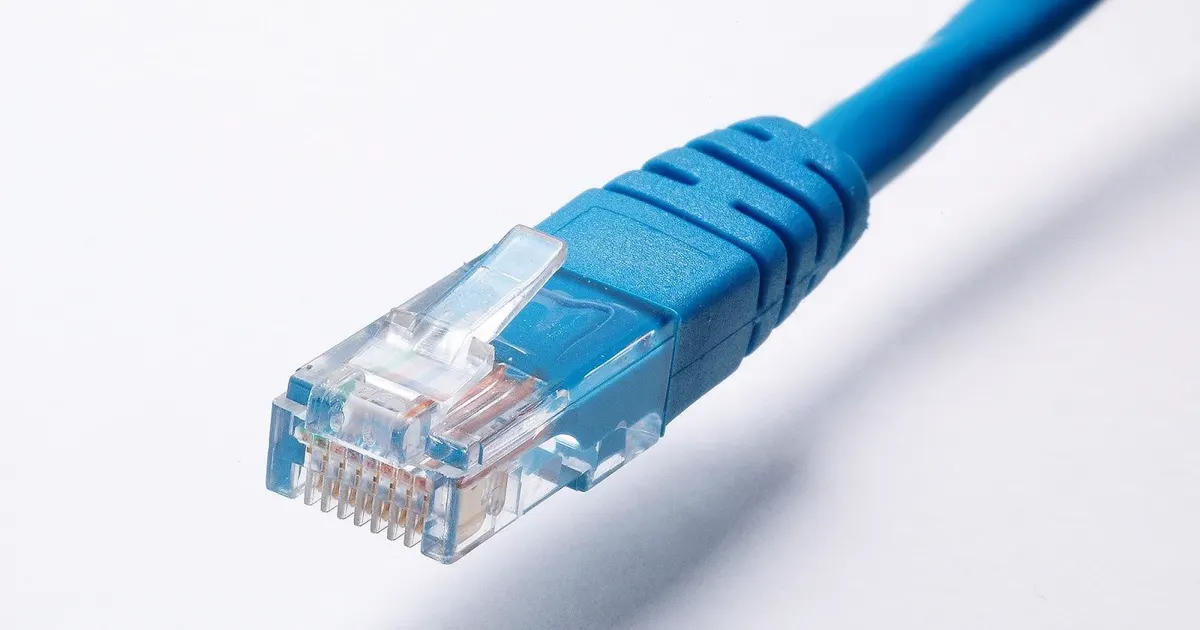
- Look at the little lights on the PC's and router's network ports: if they don't light up, there's no link.
- Move the cable to another router port (the LAN ones, not WAN/Internet).
- Try another cable. Cables that have been stepped on or bent fail without visible damage.
- If you use a powerline adapter or a switch, connect straight to the router to rule it out.
If you have 169.254
- Restart the router: unplug it for 30 seconds.
- In CMD as administrator:
ipconfig /releaseipconfig /renewipconfig /flushdnsnetsh winsock resetandnetsh int ip reset, then restart the PC.
- Try a static IP (just to test): Settings → Network & internet → Ethernet → IP assignment → Edit → Manual → IPv4: IP
192.168.1.50, mask255.255.255.0, gateway192.168.1.1, DNS1.1.1.1. If your router uses another network (e.g. 192.168.0.1), change the third number. If that works, the router's DHCP is at fault: set it back to Automatic and restart the router or ask your ISP for help.
If the adapter doesn't appear or drops on its own
- Reinstall the driver: Device Manager → Network adapters → your Ethernet (Realtek, Intel, Killer) → Uninstall device → restart. If it doesn't come back, download the LAN driver from your motherboard or laptop maker (on another device, then copy it over with a USB stick).
- Power saving: in its Properties → Power Management, untick "Allow the computer to turn off this device". In the Advanced tab, turn off Energy Efficient Ethernet or "Green Ethernet".
- BIOS: check the onboard network (Onboard LAN) is enabled.
If you have a normal IP but no internet
The local network works: the problem is DNS, the router or the ISP. Change DNS to 1.1.1.1 and 8.8.8.8 and check whether other devices at home have internet. If none do, it's the router or an ISP outage.
Frequently asked questions
Is it bad to keep a static IP?
Not if you pick one outside the range the router hands out, but Automatic is more convenient. Use it for diagnosis or if you know how to configure your router.
Why does it only happen when the PC starts?
Sometimes the adapter comes up before the router responds. Turn off the adapter's power saving and Windows Fast Startup.
Which Ethernet cable should I buy?
Cat 6 is enough for any home connection, including 1 Gbps fibre or more. What matters is that it isn't damaged.
If "Unidentified network" keeps appearing, tell us which IP ipconfig shows via the contact page.
Still not fixed?
Email us at glitchfixesp@gmail.com with your device model, the exact error message and what you have already tried from this guide. We reply personally (in English or Spanish) and, if the issue keeps coming up, we add the new fix to the guide.