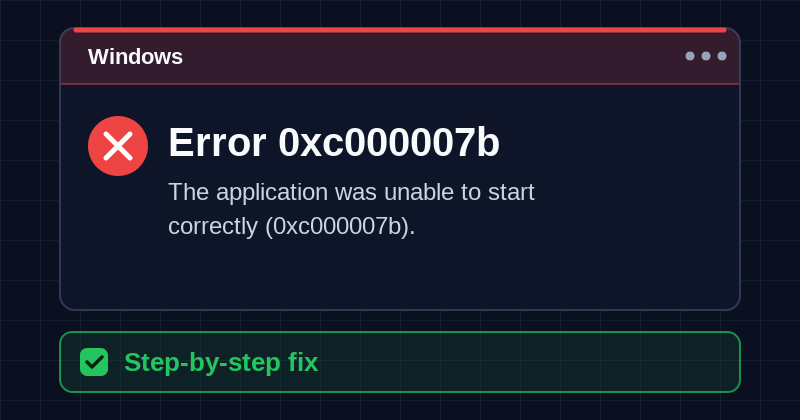
Error 0xc000007b: a 32/64-bit mix-up, and how to undo it
A game or program throws error 0xc000007b when you open it? It's almost always a 32-bit DLL where a 64-bit one was needed (or the other way round). Which packages to install (Visual C++ x86 and x64, DirectX, .NET), how to spot hand-copied DLLs and when to reinstall the game.
Install Visual C++ 2015-2022 in x64 and x86 from Microsoft, the DirectX End-User Runtime and, if the program asks, .NET Framework. If you ever copied a DLL by hand into the game folder or System32, remove it. Then verify or reinstall the game.
What's happening
64-bit programs can only use 64-bit libraries (DLLs), and 32-bit programs only 32-bit ones. If a program finds a DLL of the wrong architecture, it can't start and Windows shows 0xc000007b.
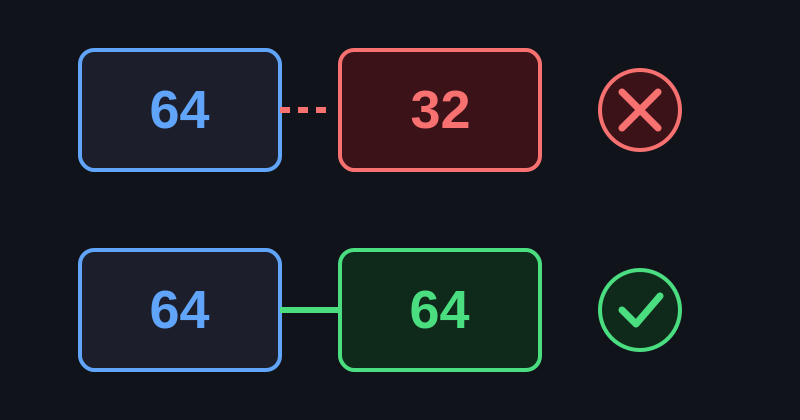
The most common causes:
- One of the two Visual C++ versions (x86 or x64) is missing or damaged.
- Someone downloaded a loose DLL and copied it to the wrong place.
- Incomplete game or DirectX files.
Install the official packages (both)
| Package | Where | Versions |
|---|---|---|
| Visual C++ 2015-2022 | Microsoft: "Latest supported Visual C++ Redistributable downloads" | X64 and X86 (both, even on 64-bit Windows) |
| Visual C++ 2013, 2012 and 2010 | Same page, older versions section | x64 and x86, only for older games |
| DirectX End-User Runtime | Microsoft: "DirectX End-User Runtime Web Installer" | Just one; installs both architectures |
| .NET Framework 3.5 / 4.8 | Control Panel → Turn Windows features on or off | Enable .NET 3.5 if the program is old |
If Visual C++ was already installed, in Settings → Apps find each "Microsoft Visual C++ Redistributable" → Modify → Repair. The missing MSVCP140.dll guide explains it step by step.
Remove hand-copied DLLs
- If you ever pasted
msvcp140.dll,d3dx9_43.dllor similar into the game folder to "fix" another error, delete it and reinstall the official packages. - Never copy DLLs into
C:\Windows\System32orSysWOW64by hand: on 64-bit Windows, System32 is for 64-bit and SysWOW64 for 32-bit (the opposite of what it looks like), and mixing them causes exactly this error.
Repair the game and Windows
- Verify the files of the game in Steam, Epic, EA or Ubisoft, or reinstall it.
- Run the game as administrator once.
sfc /scannowin Command Prompt as administrator.- Update the graphics driver.
Frequently asked questions
How do I know if my Windows is 64-bit?
Settings → System → About → System type. Nearly all are today, but you still need the x86 packages for 32-bit programs.
Why isn't downloading the missing DLL enough?
Because it's easy to get the wrong architecture (which causes exactly this error) or a file with malware. The official installers put the right version in the right place.
It only happens with a cracked game or with mods
Cracks and some mods replace DLLs with modified versions. Verify or reinstall the original game and remove mods to test.
If the error continues, tell us which program shows it and whether it's 32 or 64-bit via the contact page.
Still not fixed?
Email us at glitchfixesp@gmail.com with your device model, the exact error message and what you have already tried from this guide. We reply personally (in English or Spanish) and, if the issue keeps coming up, we add the new fix to the guide.