Riot Client black screen: fix it based on when it happens
The Riot Client opens black or white and you can't get into LoL or Valorant? What to do if it happens on launch, after an update or only with a VPN: close processes, rebuild the client's data folder, graphics driver and network.
In Task Manager, end all Riot processes (RiotClientServices, RiotClientUx, LeagueClient…) and reopen it as administrator. If it's still black, rename the folder %localappdata%\Riot Games\Riot Client\Data so the client creates it again. Update your graphics driver and turn off any VPN or proxy.
When does it go black?
| It happens… | Most likely cause | Start with |
|---|---|---|
| When reopening it after closing it (or after the PC slept) | A Riot process got stuck in the background | "Close the processes" |
| Right after a client update | Half-updated client data | "Rebuild the data folder" |
| Always, and the window flickers or turns white | Graphics driver or Windows scaling | "Graphics and display" |
| Only with a VPN, at work or on one particular network | Network block | "Network, VPN and firewall" |
Close the processes
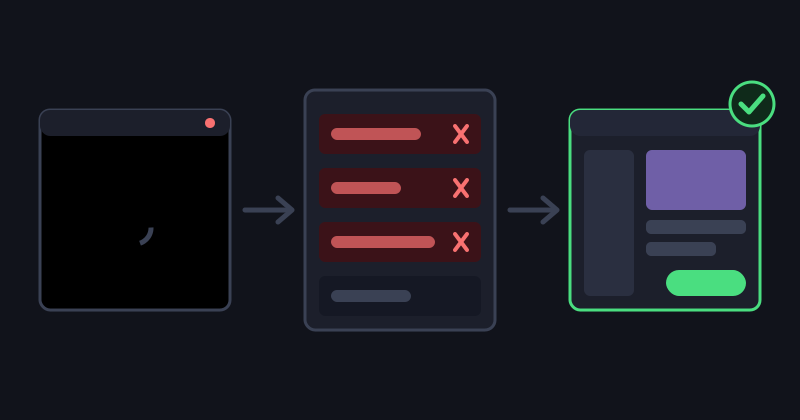
- Press Ctrl + Shift + Esc to open Task Manager.
- Under Processes, find everything starting with Riot or League (RiotClientServices, RiotClientUx, RiotClientCrashHandler, LeagueClient…) and right-click → End task on each.
- Open the Riot Client with right-click → Run as administrator.
- If it happens again, restart the PC from Start → Restart (not "Shut down": with Windows Fast Startup, shutting down doesn't fully clear things).
Rebuild the data folder
The client keeps its cache and settings in a folder. If it got damaged during an update, it stays black even after restarting:
- Close all Riot processes (previous step).
- Press Win + R, type
%localappdata%\Riot Games\Riot Clientand press Enter. - Rename the Data folder to Data_old.
- Open the client: it creates a fresh Data folder. You'll need to log in again.
If all is well, you can delete Data_old. Your matches, skins and account live on Riot's servers: nothing is lost.
Graphics and display
- Update the driver from NVIDIA, AMD or Intel's website.
- On laptops with two GPUs, try opening the client on the integrated one: Settings → System → Display → Graphics → find RiotClientServices.exe → Options → Power saving.
- If you use an unusual display scale (for example 175%), try 100% or 125% in Settings → Display.
- Close overlays that draw over windows (recorders, FPS counters) and try again.
Network, VPN and firewall
- Turn off the VPN or proxy (Settings → Network & internet → Proxy → make sure none is active).
- If your antivirus has its own firewall, add
C:\Riot Gamesto its exceptions. - Try your phone's hotspot: if it works there, your network or ISP is blocking something.
Last resort: reinstall
Uninstall the Riot Client and the games from Settings → Apps, restart, delete whatever is left in C:\Riot Games and %localappdata%\Riot Games, and download the installer from the game's official website. Valorant will ask to reinstall Vanguard and restart.
Frequently asked questions
Do I lose anything by deleting the client's Data folder?
No. Only the client's local settings are removed. Account, champions, agents and skins are on Riot's servers.
Can Vanguard cause the black screen?
In Valorant, if Vanguard hasn't started, the game shows an error and asks you to restart. If the client doesn't even draw its window, it's usually a stuck process or the data folder, not Vanguard.
It's no longer black but the game won't open. What now?
That's a different problem. For League of Legends, see our LoL black screen guide, which covers the game client.
If it's still black, tell us when it happens and whether you play LoL or Valorant via the contact page.
Still not fixed?
Email us at glitchfixesp@gmail.com with your device model, the exact error message and what you have already tried from this guide. We reply personally (in English or Spanish) and, if the issue keeps coming up, we add the new fix to the guide.