Switch error 2005-0003: is it the microSD? Check in 2 minutes
Error 2005-0003 stops games downloading or opening on Nintendo Switch and almost always points to the microSD card. A quick test to confirm it (download to system memory), what to do if the card is to blame and what to do if it isn't.
2005-0003 is almost always the microSD card. To confirm: turn the console off, remove the card, turn it on and download the game again to system memory. If that works, the card is to blame: format it from the console or use another one. If it fails just the same without the card, update the console and check your connection.
The 2-minute test
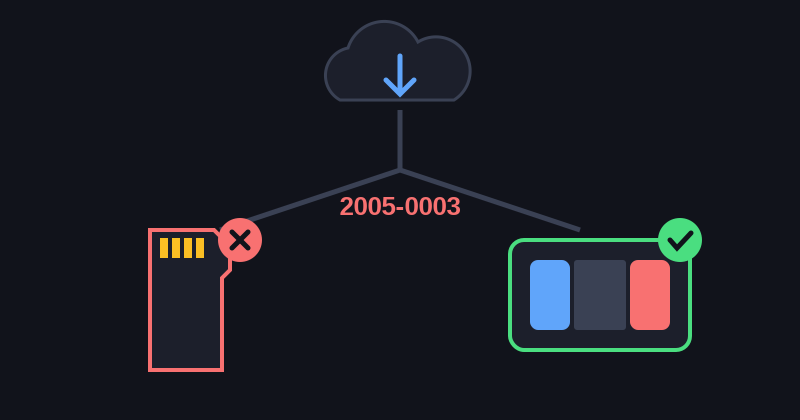
- Hold the power button 3 seconds → Power Options → Turn Off.
- Remove the microSD.
- Power on, go to the game icon (or the eShop) and download it again. With no card, it saves to system memory.
If system memory is short, try a small game or a free demo: what matters is whether the download finishes.
Result A: works without the card → the card is to blame
| Check | What to do |
|---|---|
| Is the card compatible? | Switch: microSD/SDHC/SDXC. Switch 2: microSD Express only. Details in Switch won't read the microSD. |
| Is it SDXC on a console that isn't updated? | Update the console: it needs the exFAT component. |
| Is there corrupt data? | System Settings → Data Management → Manage Software → game → Check for Corrupt Data. |
| Still failing? | System Settings → System → Formatting Options → Format microSD Card. |
| Fails even after formatting? | The card is worn out or fake: replace it with a well-known brand. |
Formatting erases the games, updates and screenshots on the card. Not your saves: those are on the console. Games re-download for free.
Result B: it fails without the card too
- Update the console: System Settings → System → System Update.
- Restart the console and the router.
- Run the connection test in System Settings → Internet. If another error appears (say, 2110-3127), follow that code's guide: 2110-3127.
- If the download always cuts out halfway, see 2123-1502.
If it happens with several different cards
If you've tried two or three good cards and all fail while system memory works, the console's card reader may be damaged. Check the slot for dust and, if it continues, contact Nintendo support.
Frequently asked questions
Will I lose my saves?
No. Saves are stored in the console's memory, not on the microSD.
Do I need to buy the game again?
No. What you bought stays on your Nintendo Account: re-download it from the eShop or the game icon.
Can I fix the card on my PC?
You can test it on a PC, but always format it on the console: that way it has the format the Switch expects.
If you get a similar number (2005-xxxx), send it to us via the contact page.
Still not fixed?
Email us at glitchfixesp@gmail.com with your device model, the exact error message and what you have already tried from this guide. We reply personally (in English or Spanish) and, if the issue keeps coming up, we add the new fix to the guide.