Joy-Con drift: test, calibrate and decide how to repair it
Character or cursor moving on its own with your Joy-Con? How to test for drift on the console, calibrate the stick, clean it without opening it, and your options: Nintendo repair, warranty or replacing the joystick yourself.
Go to System Settings → Controllers and Sensors → Calibrate Control Sticks and see if the dot moves without touching the stick. If it does, calibrate. If it comes back within days, the stick is worn: request a Nintendo repair (or use the warranty), or replace it yourself if it's out of warranty.
Step 1: confirm it's drift
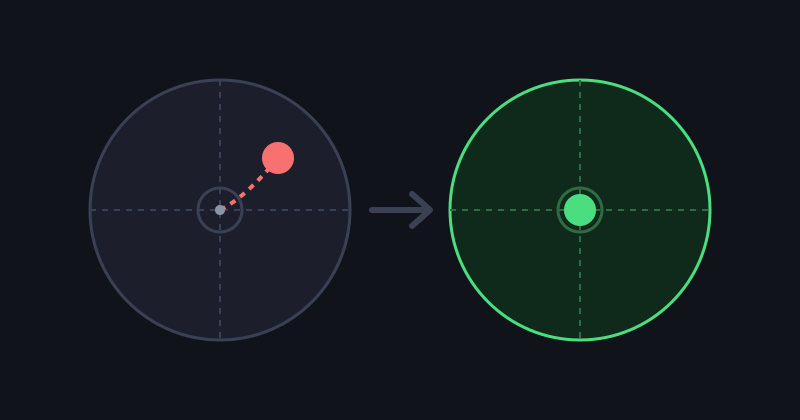
- On the HOME menu, open System Settings → Controllers and Sensors.
- Choose Calibrate Control Sticks and press down the stick on the faulty Joy-Con.
- Let go of the stick and watch for a few seconds:
- The dot stays in the centre → not drift. It may be a specific game or that game's settings.
- The dot moves away from the centre or jitters → that's drift.
Step 2: update and calibrate
- Update the controllers: Controllers and Sensors → Update Controllers.
- Go back to Calibrate Control Sticks, press X and follow the instructions: rotate the stick in circles and let go.
- Try a game. If the drift was mild, it may disappear.
Some games have their own dead zone option. Raising it slightly hides mild drift while you decide what to do.
Step 3: clean the stick without opening it
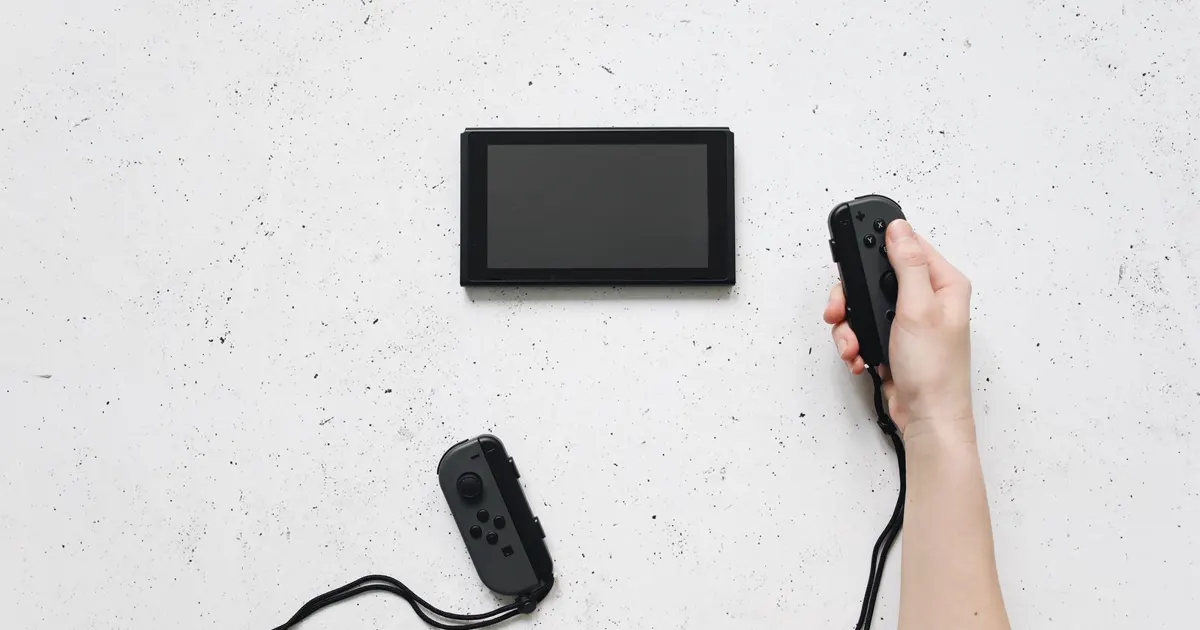
- Turn the console off and detach the Joy-Con.
- Blow compressed air in short bursts around the base of the stick (the rubber skirt).
- If you have electronics contact cleaner (not rubbing alcohol or WD-40), lift the rubber skirt slightly and give a short spray.
- Rotate the stick in circles for 30 seconds and let it dry for 10 minutes.
- Calibrate again.
If the drift goes away and returns weeks later, it isn't dirt: the stick's internal track is worn. More cleaning won't fix it.
Step 4: get it repaired
| Option | When | Keep in mind |
|---|---|---|
| Official Nintendo repair | Always the first option to check | Request it on your country's Nintendo support website. In Europe and the UK, Nintendo has repaired Joy-Con drift free of charge even outside warranty; confirm the current terms when you request it |
| Warranty | If you bought the console or Joy-Con recently | Nintendo's warranty plus your country's consumer rights (2 years in the EU). Keep your receipt |
| Replace the stick yourself | Out of warranty and if Nintendo won't fix it free | Cheap parts and a Y00 tri-wing screwdriver. Be careful with ribbon cables and the battery. Voids the warranty |
| Hall effect sticks | If you replace the stick yourself | They use magnets instead of a rubbing track: no wear-related drift |
Frequently asked questions
Why does drift happen?
The stick measures its position with a track that rubs as it moves. With use it wears and dust gets in, so the controller "thinks" the stick is pushed even when you're not touching it.
Do Switch 2 Joy-Con get drift?
Nintendo changed the sticks in the new controllers, but any stick with rubbing parts can wear over the years. Testing and calibrating work the same way.
Does drift affect the Pro Controller?
It can, though it's less common. Test and calibrate it the same way from Controllers and Sensors.
If you're unsure which option suits your Joy-Con, tell us when you bought it via the contact page.
Still not fixed?
Email us at glitchfixesp@gmail.com with your device model, the exact error message and what you have already tried from this guide. We reply personally (in English or Spanish) and, if the issue keeps coming up, we add the new fix to the guide.